1
Take a photo
Capture your subject with SnipCam.

Remove backgrounds with AI that runs directly on your phone. Your photos stay on-device.

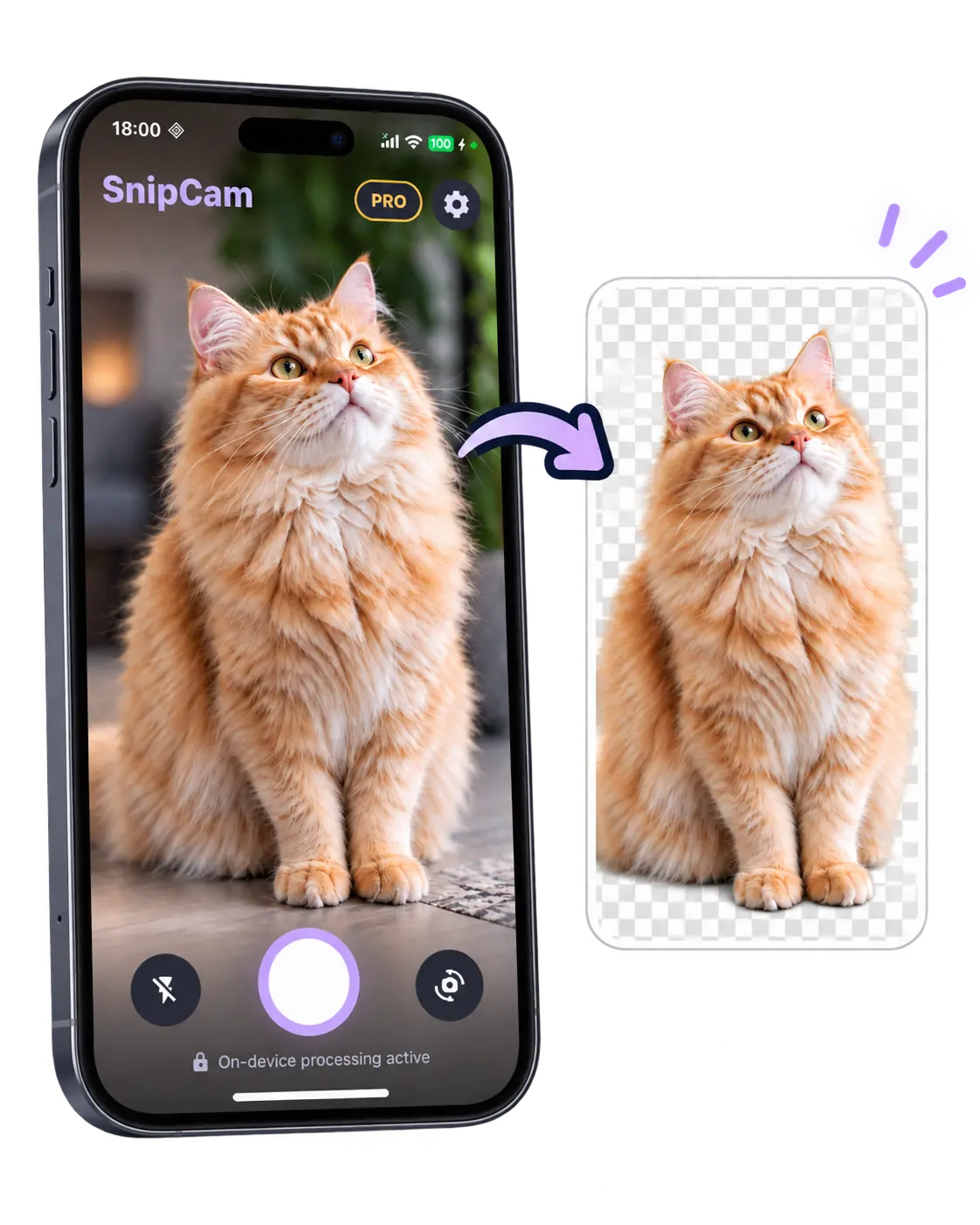
Capture your subject with SnipCam.
SnipCam removes the background directly on your phone without uploading the photo for processing.
Keep it transparent, change the background, add an outline or a fisheye effect.
Export as PNG or JPEG and share anywhere.




Background removal is processed on-device. Your photos are not uploaded to our servers for image processing.
Choose PNG or JPEG output, adjust JPEG quality, and export at full resolution with Pro.
Unlimited PNG/JPEG exports, unlimited saves and shares, and full-resolution output.
Background, Outline, Shadow, Glow, Fisheye, Pixel, Retro Game and Stars effects.

Your world, without the background.